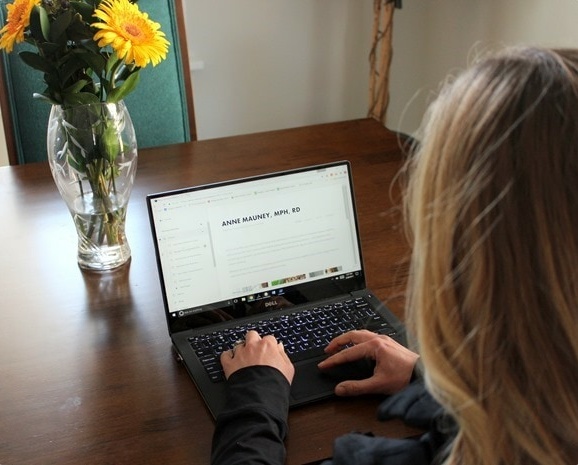
Thank you to Squarespace for sponsoring this post.
One of the questions I get the most via email, after how to become a Registered Dietitian, is how to create a website. It seems many of you want to build a website to showcase your business/service offerings, but don’t think that you can do it without design or coding experience. But here’s the thing: I have no idea how to do any of that stuff either, which is why I’m all about finding tools that make creating a website without design or tech skills simple. Enter: Squarespace.
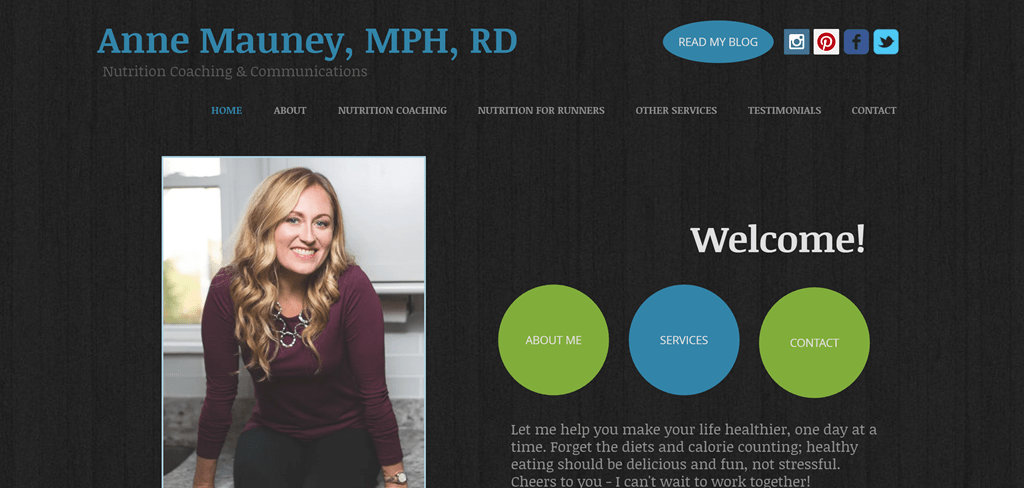
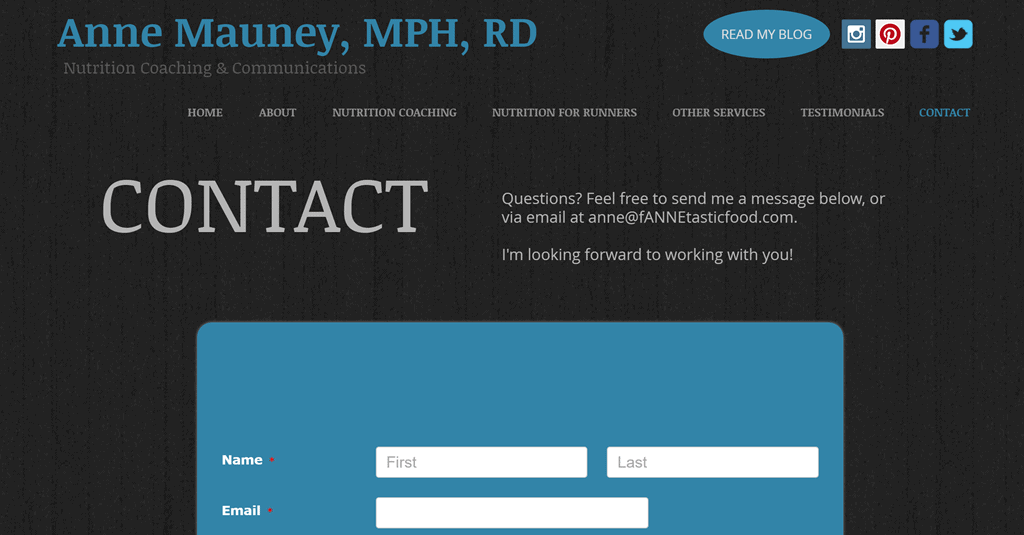
When Squarespace reached out to me about a review, the timing was perfect because I was already planning an overhaul/redesign of my AnneTheRD nutrition coaching & communications business website. I built that site back in 2013 just before launching my private practice, and while it has worked well for me over the years, the time had come to update it with a more polished and professional look. Basically, my website was looking pretty amateur hour – hard to read with too many colors, and I didn’t love the mobile look and feel, either. When I asked my sweet husband if he thought my business site needed a redesign, he very diplomatically replied: “Well, it could maybe be a little more professional…” 🙂 He later admitted it kind of reminded him of one of those old school geocities websites from the late 1990s – not exactly what I was going for, ha! (That’s the old site pictured below!)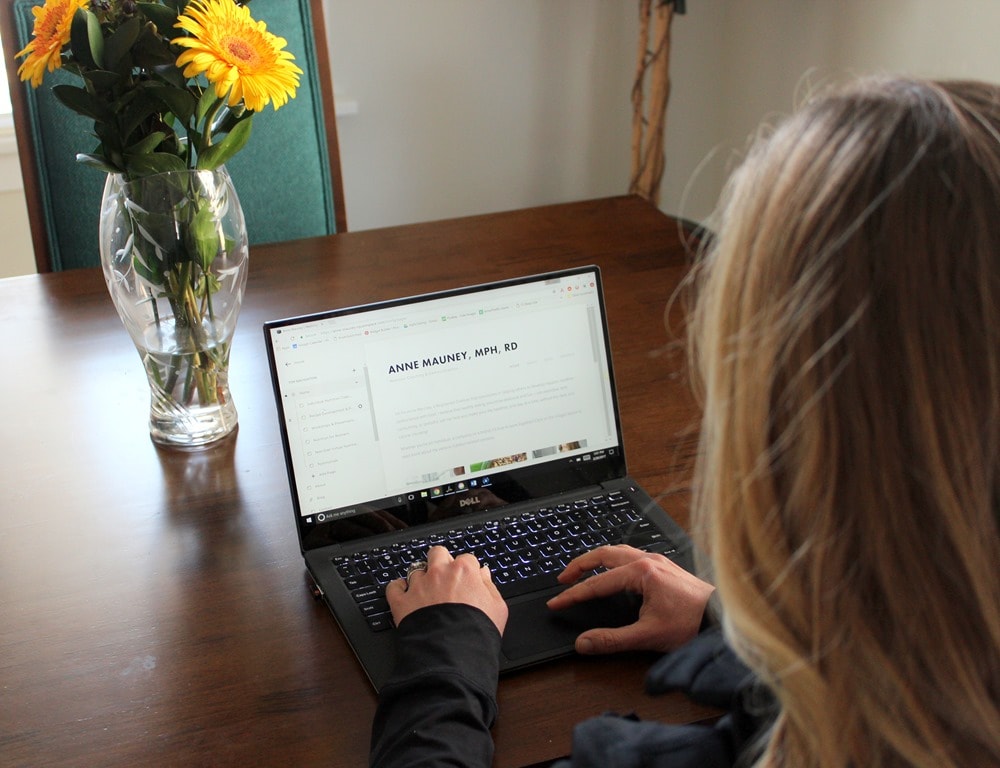
 So, I was excited to try out Squarespace, which is a creative tools company that helps you build websites and stores! Basically, it makes great design accessible to everyone with no html, coding, or design skills necessary.
The more I researched Squarespace before signing on to work with them, the more I liked what I read. Highlights:
So, I was excited to try out Squarespace, which is a creative tools company that helps you build websites and stores! Basically, it makes great design accessible to everyone with no html, coding, or design skills necessary.
The more I researched Squarespace before signing on to work with them, the more I liked what I read. Highlights:
- You can change templates anytime you want without having to rebuild your whole site (something my old website builder doesn’t offer) – they will just auto-convert all your content to fit into the new template. You can also “preview” what your site will look like with a new template. Love this!
- All the templates are built to be mobile responsive automatically (again, something my old website builder doesn’t offer, which was a problem since everyone looks at websites on their phones nowadays and mine was a mess).
- Unlike many of their competitors, Squarespace has an award-winning customer care team that serves customers 24/7 via email and live chat. Always good to know help is there if you need it.
- It’s an all-in-one platform that removes all of the headaches of installing software, applying security patches, and worrying about bandwidth or storage limitations.
- The templates are all designed by professional designers, making it much easier to create a professional, clean-looking site.
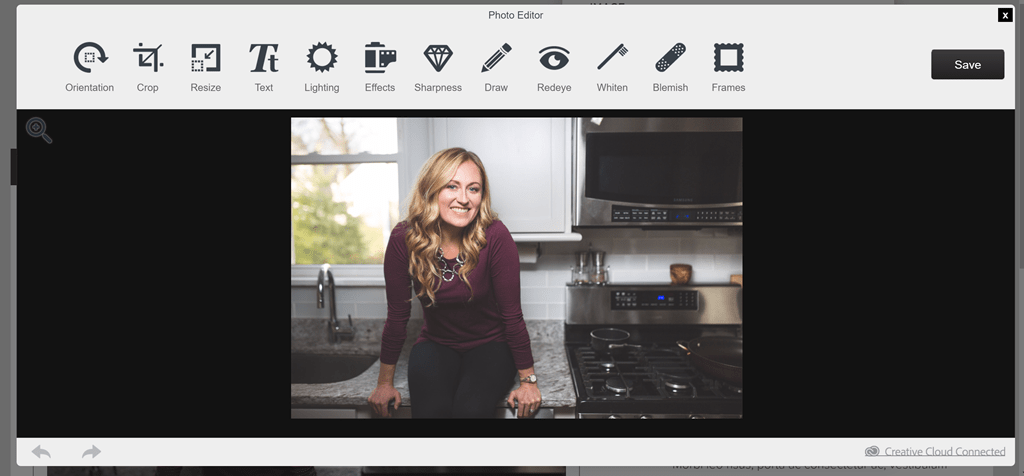
 I especially loved how you can edit photos right in their system – saves the extra step of having to resize and crop before uploading!
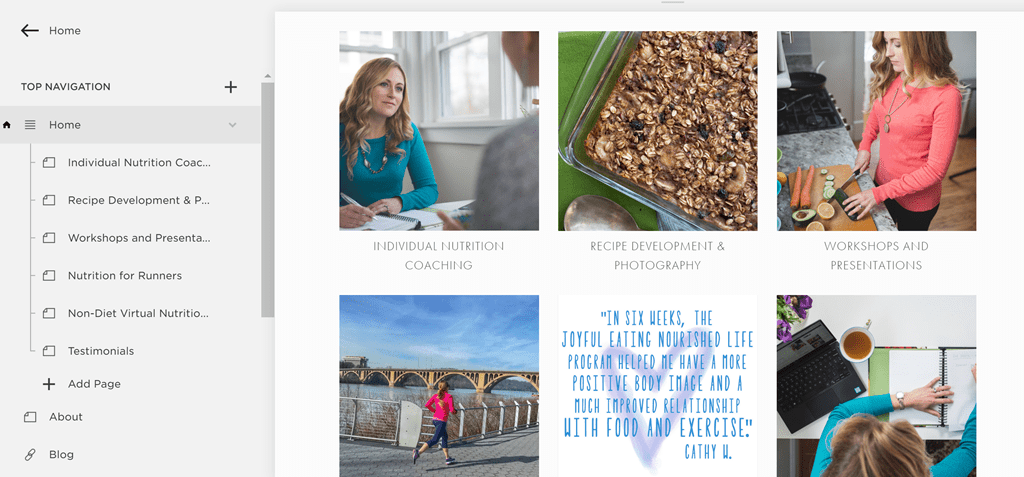
 It was actually pretty fun to play around with all of it and get my website looking just the way I wanted. I also took the opportunity to rework some of the text and page organization for my nutrition coaching packages and other offerings. In addition to a new look and feel, the content definitely needed some updates, too. Good excuse to finally do that!
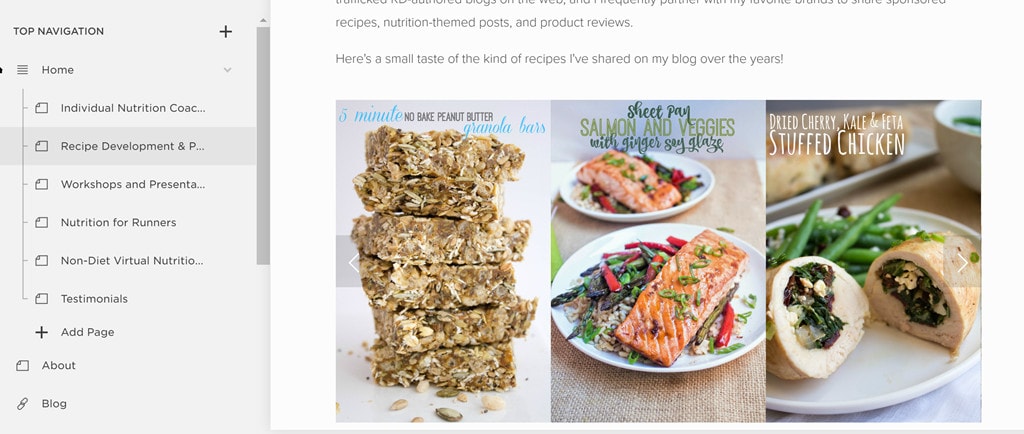
 I also discovered a cool feature to showcase photos in a pretty scrolling gallery – check out my new recipe development page, pictured below in editing mode! 🙂
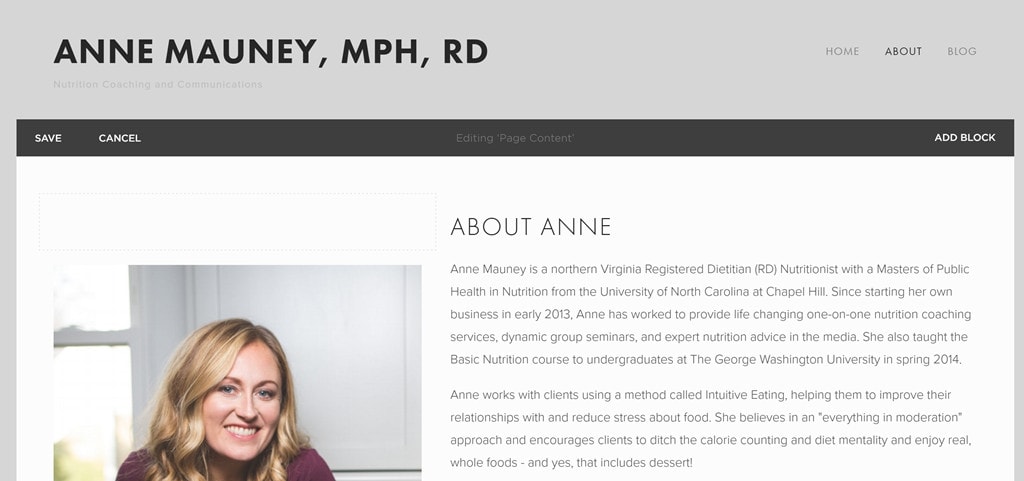
 Honestly, I wish I’d created my original AnneTheRD website on Squarespace – it was so simple to use and I love the new look and feel I was easily able to give the site. I was also super impressed with their live chat support – I had some design questions for simple tweaks I wanted to make to the site and couldn’t figure out on my own, and the live chat operator was so helpful! Saved me a TON of time, and now I know how to do those tweaks myself for the future!
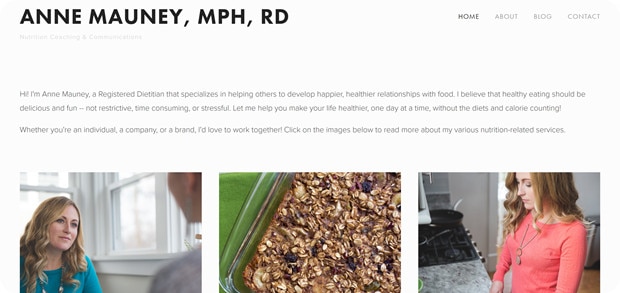
In case you couldn’t tell, I’m now a huge Squarespace fan, and I’m thrilled to unveil my new AnneTheRD business site today! Please click through to give it a look – and let me know what you think. 🙂
Honestly, I wish I’d created my original AnneTheRD website on Squarespace – it was so simple to use and I love the new look and feel I was easily able to give the site. I was also super impressed with their live chat support – I had some design questions for simple tweaks I wanted to make to the site and couldn’t figure out on my own, and the live chat operator was so helpful! Saved me a TON of time, and now I know how to do those tweaks myself for the future!
In case you couldn’t tell, I’m now a huge Squarespace fan, and I’m thrilled to unveil my new AnneTheRD business site today! Please click through to give it a look – and let me know what you think. 🙂
 And now, ready to start your own website or blog? Try out Squarespace yourself! The first 50 readers who use the offer code “FANNETASTIC” will receive 10% off their first website or domains purchase. Happy website building – and please come back and share links on this post to the websites you build using Squarespace – I can’t wait to see how good they look! 🙂
Have you ever built a website? I actually created my first website wayyyy back in 1998 – I had to teach myself some html at the time to make it work, actually! Too bad I don’t remember any of that html now, but thankfully I don’t need to. 🙂 I wish I had a screenshot of that website because it was so ridiculous but awesome – crazy colorful with flashing buttons, pop up photos, and a fully dedicated “favorite music” page that started automatically playing songs from my favorite bands at the time, Smashing Pumpkins and Garbage, when you clicked on it. So good! I also remember writing for some “e-zines” – email magazines – back in the late 90’s – basically a precursor to blogging! Does anyone remember those?! Apparently even back then I knew my destiny was related to writing for the internet. 🙂
And now, ready to start your own website or blog? Try out Squarespace yourself! The first 50 readers who use the offer code “FANNETASTIC” will receive 10% off their first website or domains purchase. Happy website building – and please come back and share links on this post to the websites you build using Squarespace – I can’t wait to see how good they look! 🙂
Have you ever built a website? I actually created my first website wayyyy back in 1998 – I had to teach myself some html at the time to make it work, actually! Too bad I don’t remember any of that html now, but thankfully I don’t need to. 🙂 I wish I had a screenshot of that website because it was so ridiculous but awesome – crazy colorful with flashing buttons, pop up photos, and a fully dedicated “favorite music” page that started automatically playing songs from my favorite bands at the time, Smashing Pumpkins and Garbage, when you clicked on it. So good! I also remember writing for some “e-zines” – email magazines – back in the late 90’s – basically a precursor to blogging! Does anyone remember those?! Apparently even back then I knew my destiny was related to writing for the internet. 🙂